
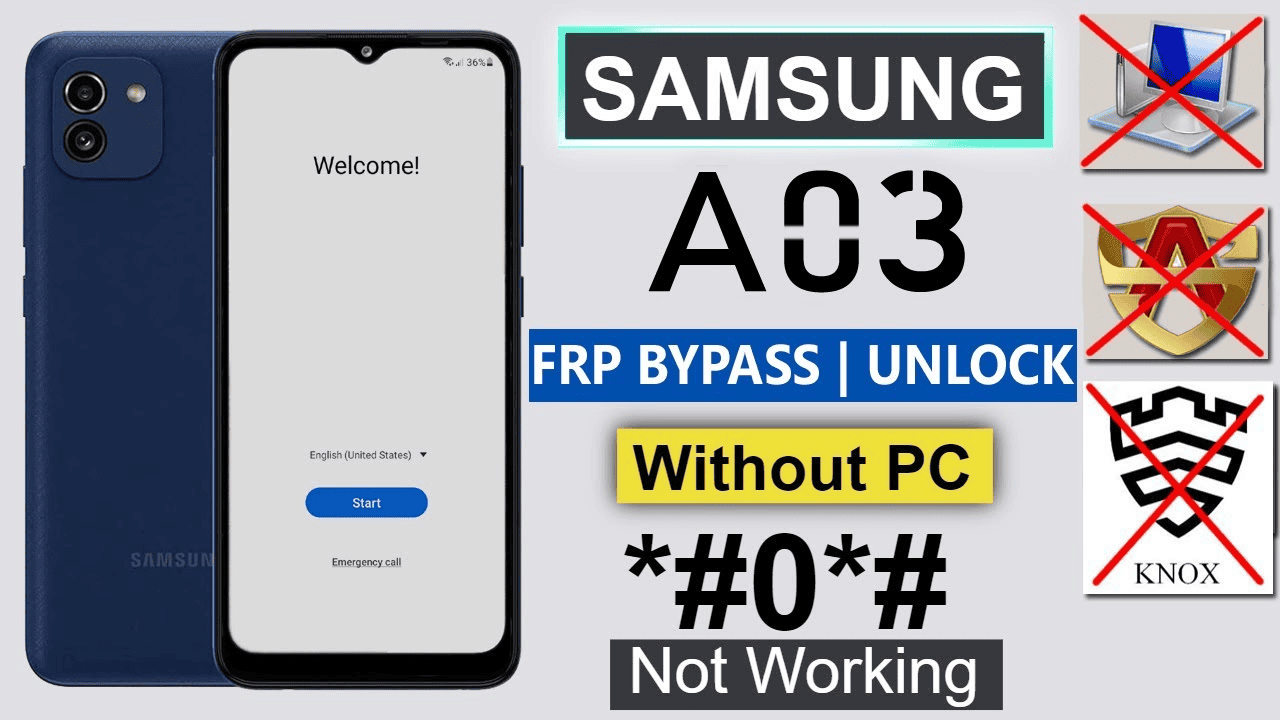
Using a PC with FRP Unlock Tools
This method is commonly used for bypassing FRP on the Redmi A5, particularly the 2026 Android 12-14 ver. models.
- Download a reliable unlock tool.
- Setup the Tool: Open the tool and select the correct brand (Samsung) and model (if not directly listed, select generic MTK/SPD options).
- Select Action: Choose the "Erase FRP" or "Reset FRP" option.
- Connect Device: Turn off the Device completely.
- If not starting the bypassing process: Try again to connect with Hold the Volume Down or both Volume Up + Down buttons simultaneously while plugging in the USB cable to connect to the PC.
- Complete: The tool will unlock the device, which will then automatically reboot to the setup menu.
Download Links (Latest Version)
Download BFT Tool V1.7’s latest and all versions for your Windows computer to easily flash or unlock the Android phone for free Trial period now.
File Information:
File Name: Best Flash Tool by BossV1.7.zip
Size: 31.34 MB
Type: Free/Trial Period
Login Username: TrialUser
Login Password: fj6Y732M7j4c703N
Download tool Here
Download 2 Best Flash Tool V1.6,
Download Driver Here
samsung frp unlock method only worked on android 11/12/13
- Samsung Android 13 frp Bypass 2023
- Samsung Android 12 frp Bypass without pc
- Vivo Y21e frp bypass without PC
- Samsung F13 Frp Bypass Android 12 2022
- samsung A03 core frp without pc 2022
- Nokia C20 Hard reset with Frp 2022
- Samsung J4 Frp Bypass 2022 without pc
- Samsung A80 Hard Reset without pc
- samsung j4 plus frp bypass 2022 without pc
- Samsung A10s frp Bypass no Smart Switch/ no Alliance Shield
- Oppo A1k Unlock Screen Lock


.webp)
0 Comments